Keep writing. See it take shape.
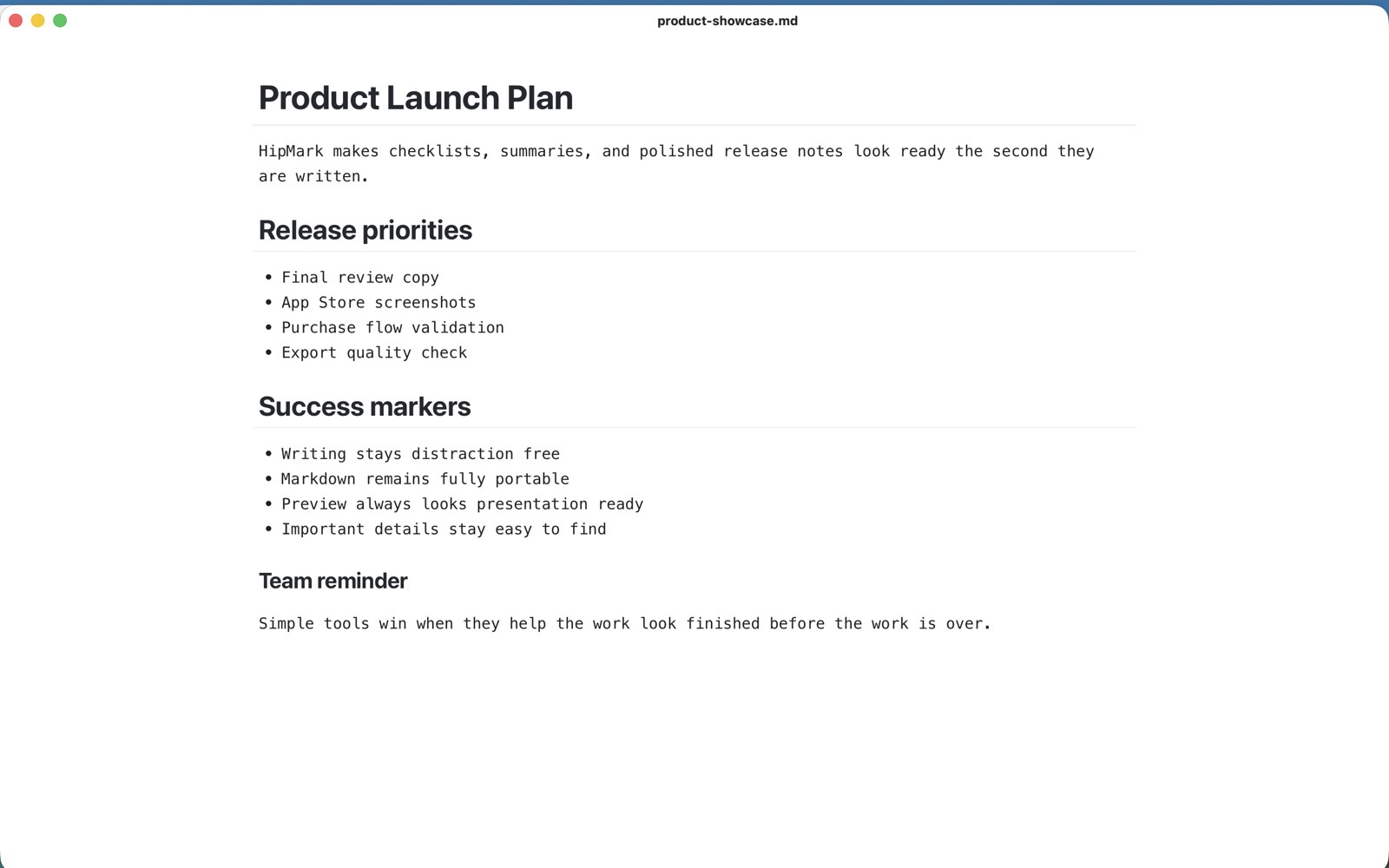
Headings, lists, quotes, and code take shape as you type. Press ⌘/ whenever you want the full Markdown source.
YOUR MARKDOWN. ON MAC, IPHONE & IPAD.
A lightweight, native space for your words. From focused work to ideas on the go. One Pro purchase for Mac, iPhone, and iPad.
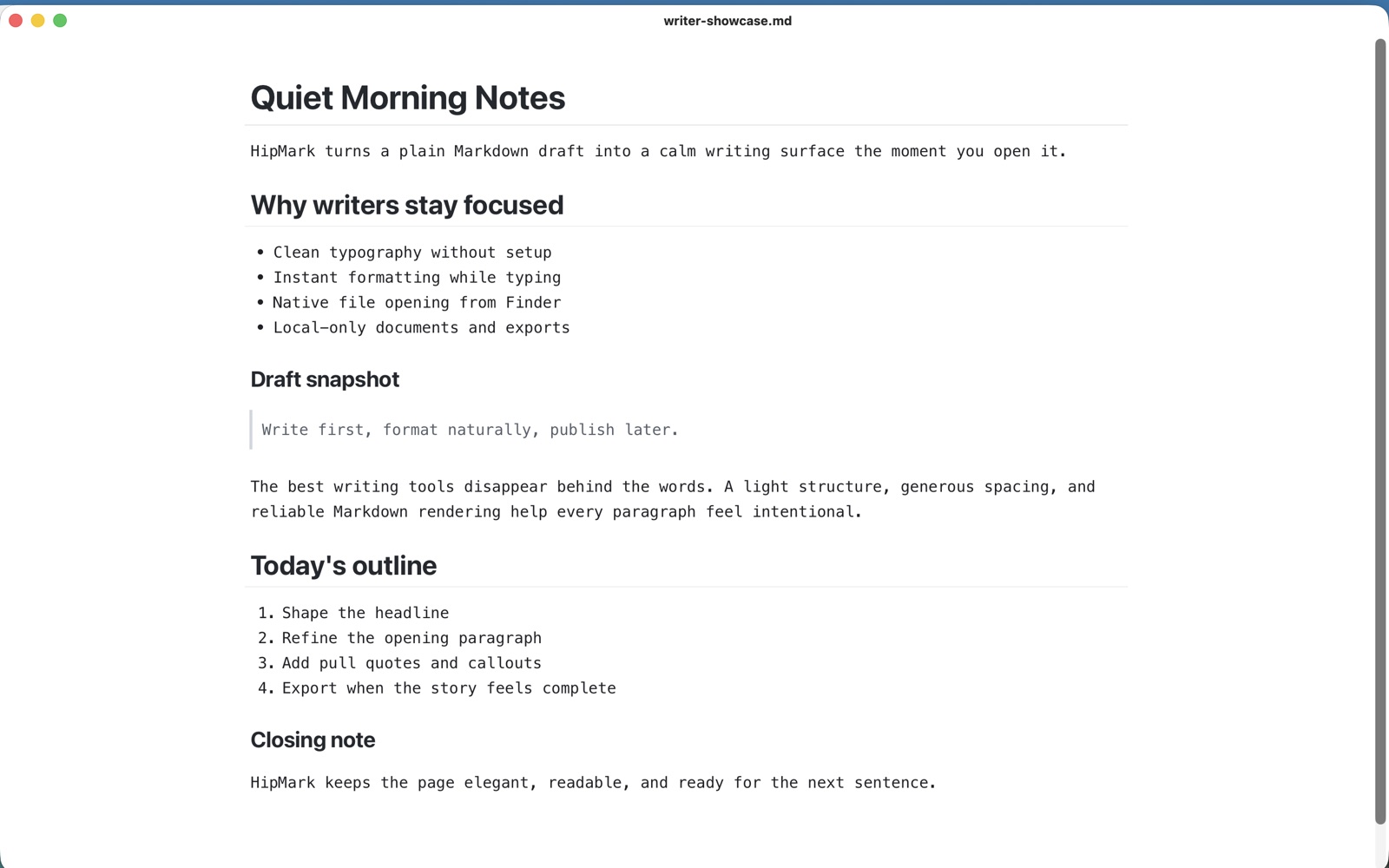
Make space for the work itself. Write, read, organize, and share in a workflow that feels right on your Mac.
Headings, lists, quotes, and code take shape as you type. Press ⌘/ whenever you want the full Markdown source.
Open, edit, and save standard Markdown files. No account required. Documents stay on your Mac, ready for any other editor.
Works with .md / .markdown / .mdown / .mkdCode highlighting, LaTeX math, Mermaid diagrams, and tables. Give technical notes and project plans a readable home.
Export to PDF or HTML, or print directly. Give readers a document they can open and enjoy.
BUILT FOR MAC
Familiar Mac menus, file dialogs, and separate windows. No sign-in, note database, or workspace setup before you open a Markdown file and begin.
Select a file in Finder and press Space to preview it with Quick Look before opening the editor.
⌘N to create, ⌘O to open, ⌘S to save, ⌘F to find, and ⌘/ to switch source mode. Stay with your words instead of hunting through menus.
Navigate with the outline and check characters, words, and lines. Draft recovery and external file change detection help you manage the everyday work of writing.
Pin a document window above ordinary windows. Navigate long drafts with the outline and open documents in separate windows.
A FRIENDLY FIRST STEP
HipMark puts the tutorial inside the editor. Read the syntax, see the result, and change it yourself. Your first note can be your practice page.
# A little plan for today

Write it down. Refine it later.

- [x] Meet Markdown
- [ ] Capture a good idea
- [ ] Share my first document
17 interface languages, with matching tutorials and app guides.
Walk through editing, formatting, desktop widgets, and local sharing. Revisit the walkthrough in Settings → Usage Guide.
Practice headings, lists, links, images, code, math, and diagrams. Open Help → Markdown Beginner Tutorial on Mac. Your practice edits are kept when you return.
ONE PURCHASE. YOUR APPLE DEVICES.
Buy Pro once for Mac, iPhone, and iPad. Use the same Apple account to restore your purchase on another device, without buying Pro again for each one.
Pro purchase access is shared; features vary by platform and version. The Mac app offers the most complete editing, preview, and desktop-tool experience.
Try it with your own documents. When it feels right, one purchase unlocks Pro on Mac, iPhone, and iPad.
Try it. Make it yours.
Start a trial on first use and explore editing, local to-dos, and export. No HipMark account needed.
Download for Mac ↗No monthly or annual subscription. Restore your purchase with the same Apple account to use Pro on your other devices.
See your local App Store or the app for pricing. The Mac app offers a 7-day trial; editing, to-dos, and export require Pro afterward. Features vary by platform and version.
Your first .md file, headings, checklists, and live preview.
Read the guide ↗Turn notes and technical documents into something ready to share.
Read the guide ↗Keep thoughts, tasks, and today’s notes close at hand.
Read the guide ↗HipMark is a lightweight, local-first Markdown app for Mac, iPhone, and iPad. It suits writers, developers, students, and everyday note-takers. The Mac app includes live preview, source editing, outlines, math, diagrams, PDF / HTML export, and native widgets.
No HipMark account is required. Editing and rendering happen locally, with rendering resources bundled in the app. Remote images need a network connection, as do downloading, purchasing, and restoring purchases through the App Store.
The Mac app offers a 7-day trial. Pro is a one-time purchase for Mac, iPhone, and iPad, with no monthly or annual subscription. Restore it with the same Apple account on other devices. Mac editing, to-dos, and export require Pro after the trial; check the app for pricing and available features.
Yes. HipMark opens .md, .markdown, .mdown, and .mkd files from Finder or with ⌘O in the app. Files remain standard Markdown, without importing them into a proprietary database.
The Mac app requires macOS 13 or later. Desktop widgets and interactive desktop to-dos require macOS 14 or later; macOS 13 supports widgets in Notification Center.
The Mac app focuses on local documents and does not include built-in cloud sync or real-time team collaboration. You manage your Markdown files and backups.
Yes. Purchase HipMark Pro using your Apple account, then restore that purchase in HipMark on Mac, iPhone, and iPad. You do not need to buy Pro again for each device. Shared purchase access does not mean every platform has identical features or that documents automatically sync.
Pinned Note is a native macOS widget that displays a note’s text summary on your desktop; click it to edit in the app. Window pinning keeps the full document window above ordinary windows on the current desktop, useful for working alongside reference material.
Yes. The Mac app includes a first-launch walkthrough, an app guide, and a separate Markdown beginner tutorial. Learn from explanations, syntax, examples, and exercises directly in the editor. The local practice copy keeps your edits and includes offline examples.
Start on Mac, and enjoy your Pro purchase on iPhone and iPad too.
Download for MacGet it for iPhone / iPad ↗